10 top tips to safely download and install software
By Guest Writer • Published: 16 Apr 2026 • 13:24 • 4 minutes read
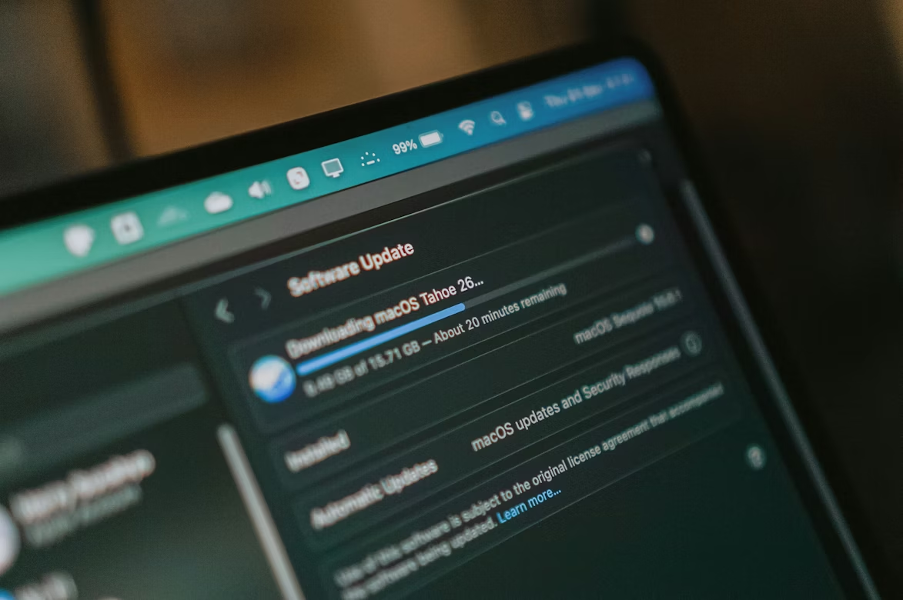
Herry Sucahya/Unsplash
It seems like the simplest aspect of using a computer is downloading new software. Click, install, done. But if it really were that simple, cybersecurity wouldn’t be a billion-dollar industry.
The truth is, the way people approach how to download apps hasn’t evolved nearly as fast as the threats behind them. And while big breaches make headlines, most problems start quietly – one careless click, one fake installer, one “harmless” tool that isn’t so harmless after all. So let’s talk about it properly not in a paranoid way, but in a practical mindset.
1. Stick to official sources
It sounds obvious. Yet a surprising number of infections still come from third-party download sites. Here’s the issue: unofficial platforms often bundle legitimate software with extras you didn’t ask for – adware, trackers, sometimes worse. And no, the “Decline” button isn’t always as clear as it should be.
If you’re seeking free video editing software for Windows, visit the developer’s website. It may take a few more seconds, but it significantly lowers danger. Even with popular video editors, false mirrors and cloned websites are frequent. They seem to be identical. But one installs software, while the other installs issues.
2. Don’t trust the first google result blindly
Some malicious sites use SEO tricks or even paid ads to appear at the top. It’s one of those uncomfortable truths: the highest result isn’t always the safest one. This is especially relevant when browsing most asked questions on Google like “best free apps” or “download X software”. These queries are prime targets for attackers.
Quick checks before clicking:
- Look at the URL carefully (misspellings are common);
- Avoid links labeled “Download Now” without context;
- Cross-check the webpage with official brand sites.
If something feels slightly off, it probably is. Not always, but often enough.
3. Watch out for “Too good to be free”
Free software isn’t the problem. Hidden costs are. Some apps monetize through ads or limited features. Others, however, take a more “creative” approach. Background data collection, browser hijacking, or worse – installing components that malware can steal your money through.
That’s not an exaggeration. Certain trojans are especially intended to acquire banking credentials or cryptocurrency wallet information. So if a premium tool is suddenly available for free on a random site, just pause. Ask questions. That deal might not be a deal at all.
4. Use reliable cyber security software
Let’s be honest – manual caution only goes so far. A solid layer of cyber security software or computer security software acts as your safety net. It scans downloads, flags suspicious behavior, and blocks known threats before they even reach your system.
Modern cybersecurity protection tools don’t just rely on signatures anymore. Many employ behavioral analysis, which means they may discover new dangers based on what the program does rather than how it appears. Which is important, because new malware variants appear daily.
5. Read installation prompts (actually read them)
Most people click “Next” button like it’s a reflex but it’s risky. Bundled software often hides in plain sight during installation:
- Pre-checked boxes;
- Vague descriptions (“recommended tools”);
- Optional add-ons that aren’t clearly optional.
Take 10 seconds to scan each step. It’s boring, but it’s also one of the simplest cybersecurity tips that works. And occasionally, you’ll catch something unexpected. A toolbar you didn’t want. A background app you definitely don’t need.
6. Reward your system with the last version
Operating systems, browsers, and apps that are out of date are prone to vulnerabilities. Once these are publicly documented, attackers can exploit them at scale. This matters even more if you regularly install tools like photo editing software for Windows or productivity apps. Creative and work-related software tends to have frequent updates, and skipping them isn’t worth the risk.
Automatic updates help, but they’re not perfect. A quick manual check now and then doesn’t hurt.
7. Be careful with permissions
Not every app needs full access to your system. In fact, most don’t. If a simple utility requests access to your camera, full disk permissions, background activity at all times, that’s worth questioning.
The same applies across categories, whether it’s task management apps for 2026 or even everyday video conferencing tools. Just because software is useful doesn’t mean it should have unlimited access. Permission creep is real. And sometimes, it’s how problems start quietly.
8. Scan files before opening them
Even if you trust the source, an extra scan doesn’t hurt. Many antivirus tools allow manual file scanning before execution. There are also online scanners that compare files to numerous databases. Given how fast threats develop, this is a fair precaution. Especially for executable files (.exe, .msi) or compressed archives (.zip, .rar). These are common carriers for malicious payloads.
9. Watch for signs of trouble after installation
Not all threats reveal themselves immediately. Sometimes, the red flags appear later:
- Slower system performance;
- Unexpected pop-ups;
- New programs you don’t remember installing;
- Browser redirects.
In more serious cases, symptoms escalate – unauthorized transactions, locked files, or signs of your phone getting hacked if devices are connected through shared accounts. That’s why awareness matters even after installation. Installing safely is one step. Monitoring what happens next is another.
10. Backups: The safety net nobody wants to think about
Let’s say something does go wrong. Because occasionally, it will. A reliable backup can turn a disaster into a minor inconvenience. Without one? Recovery becomes complicated – and sometimes impossible. Cloud backups, external drives, automated systems – pick whatever works. The key is consistency.
And here’s an uncomfortable stat to make you think first: according to Kaspersky, nearly 56% of ransomware victims paid money to fully recover their data.
Bottom line
Stop thinking of downloads as harmless. They’re entry points. Sometimes useful, sometimes risky, occasionally both at once. There’s no need to become overly paranoid about every file you install, but a bit of skepticism is just good instinct. Because in today’s digital environment, knowing how to download safely isn’t just a tech skill – it’s basic survival.
Sign up for personalised news
Subscribe to our Euro Weekly News alerts to get the latest stories into your inbox!
By signing up, you will create a Euro Weekly News account if you don't already have one. Review our Privacy Policy for more information about our privacy practices.





Guest Writer
Comments